

Driver by IC Realtime
Crestron Home
IC Realtime cameras pair with Crestron Home over ONVIF, and the NVR Event Manager driver brings the NVR’s motion events into Crestron Home.
- LearnCrestron Home with IC RealtimeFeatures and use cases · web.icrealtime.com
- ShopCompatible productsIn the IC Realtime store
- Support · you are hereDriver, setup, fixes5 steps · 3 guides
At a glance
- How it connects
- Cameras pair in Crestron Home Setup over ONVIF (Pair Devices › Other › Cameras). The NVR Event Manager driver, from the Crestron Driver Portal, brings in the NVR’s motion events.
- Crestron Home OS
- 4.001.0334 or later. The driver activates online when you first add it, so the processor needs internet access then. No licence to buy.
- Recorders
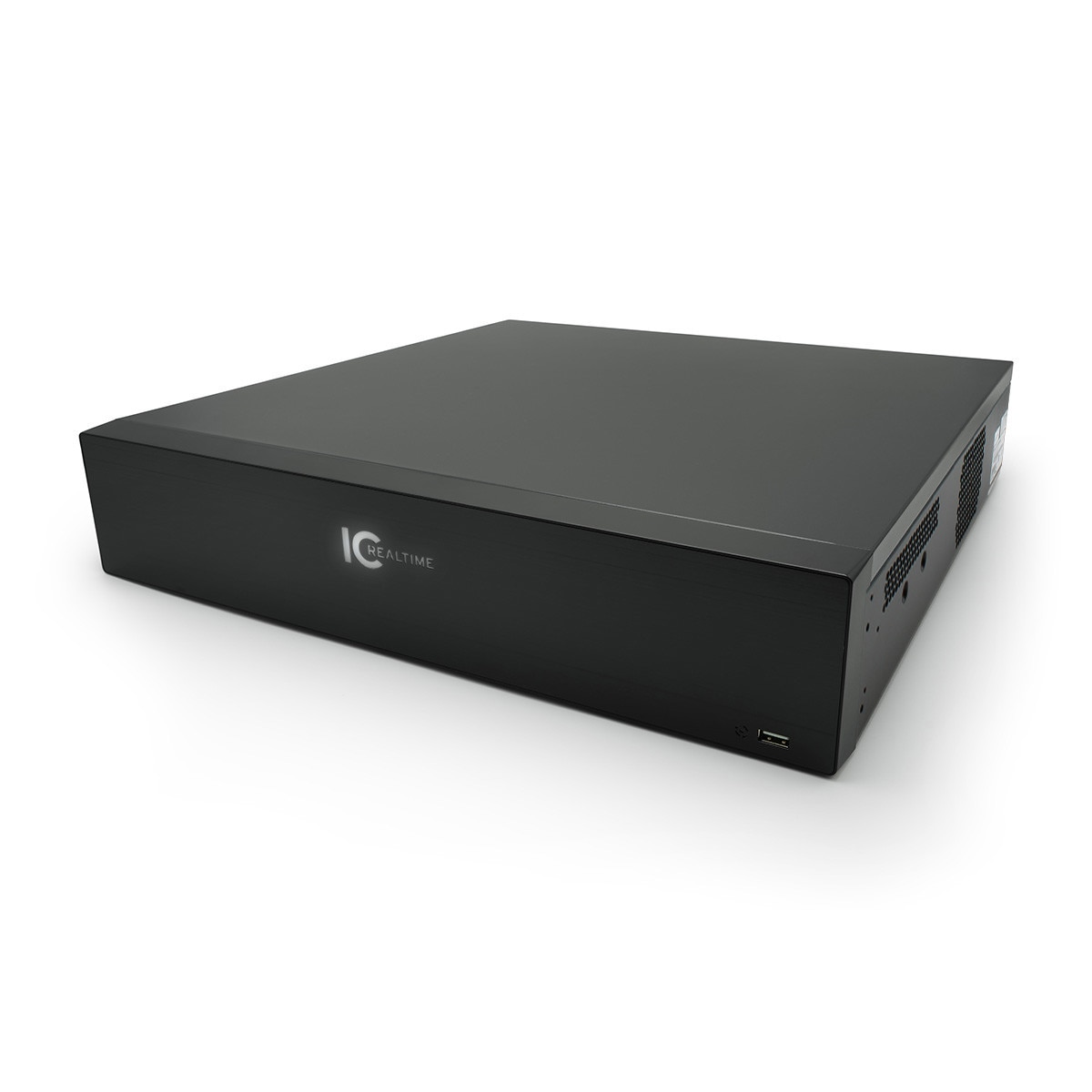
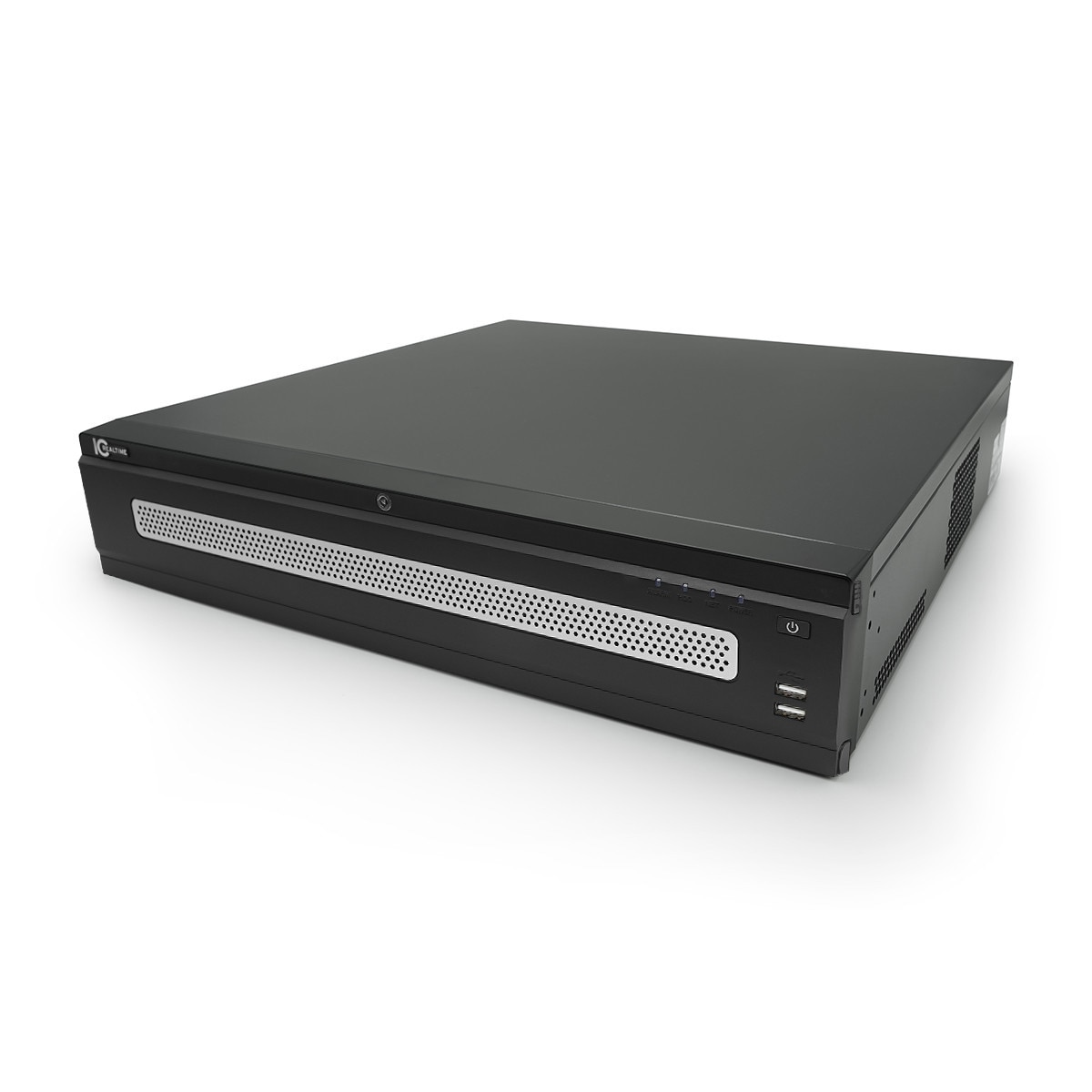
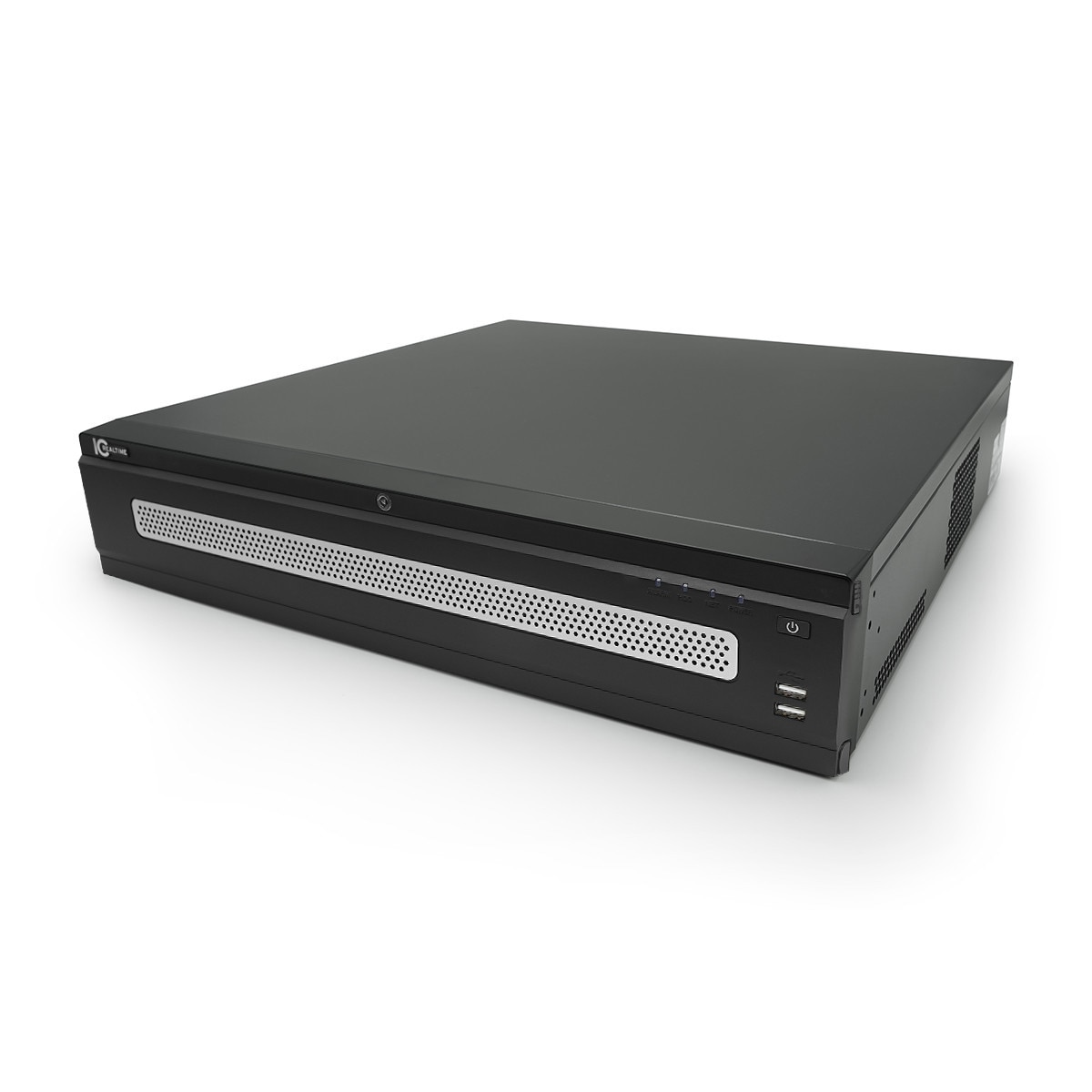
- NVR-EL16, EL32, EL64 and EL128 for events, with a dedicated NVR account that has every permission. Recorders don’t stream video; video comes from the cameras.
- Also available
- The NVR OSD Control driver shows the NVR’s own screen on a TV from Crestron Home.
Set up, in order
- Before you startA static IP address or DHCP reservation for each camera and NVR, and a dedicated account Coming soon
- Crestron Home: Adding IC Realtime Cameras 3 Feb 2026
- Crestron Home: NVR Event Management Driver 27 Sep 2024
- Crestron Home: NVR OSD Control DriverOptional 27 Sep 2024
- Snapshots not showing, or cameras not found Coming soon
What works with what
| Product | Live video | Motion events | NVR screen |
|---|---|---|---|
| IP cameras (ONVIF)IPMX, IPFX, IPEL | Yes | Yesthrough the NVR | — |
| NVR-EL16, EL32, EL64, EL128Control, not video | Novideo comes from the cameras | Yes | YesNVR OSD Control driver |
Compatible products in the store
Questions
Is there an IC Realtime camera driver for Crestron Home?
No driver is needed for cameras: Crestron Home pairs them over ONVIF. The IC Realtime drivers are for the NVR’s events and screen.
Do I buy a licence for the drivers?
No. They activate online the first time you add them.
Advanced Setup & Configuration
Still need help?
Chat with our support assistant at any time, and it can pass you to the support team. Or email us a request. It helps to have these ready:
Our support team answers by email. It helps to have these ready:
Model numberSerial numberFirmware or app versionWhat you have tried