
Control4 certified Driver by Janus Technology
Control4
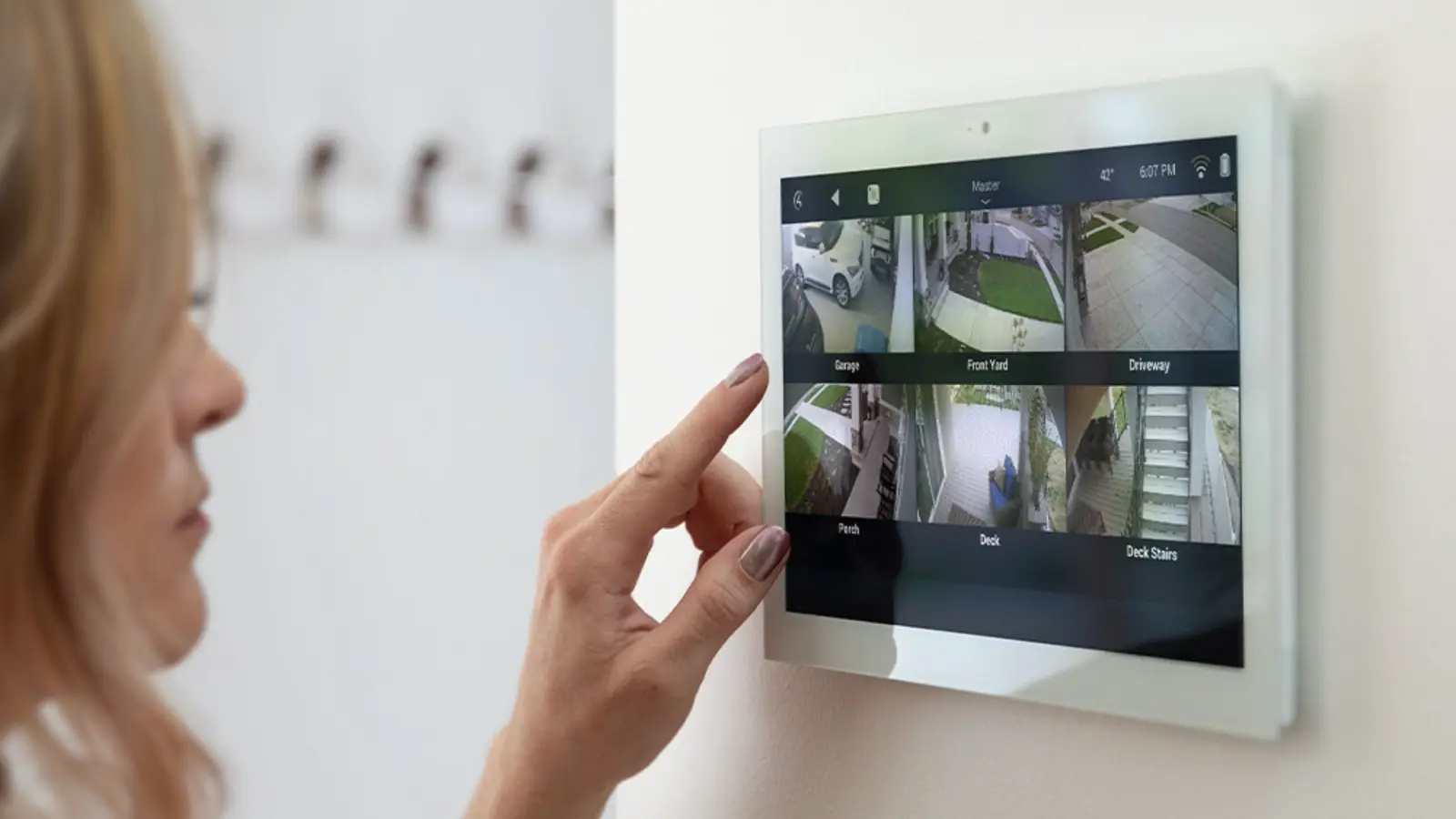
Stream IC Realtime cameras to Control4 touch screens and apps, move PTZ cameras, run the NVR’s screen from a Control4 remote and use camera events in Composer.
- LearnControl4 with IC RealtimeFeatures and use cases · web.icrealtime.com
- ShopCompatible productsIn the IC Realtime store
- Support · you are hereDriver, setup, fixes5 steps · 3 guides
At a glance
- How it connects
- IC Realtime drivers for Control4 (.c4z). Composer finds cameras and NVRs by SDDP, or you add the drivers by hand from Documents › Control4 › Drivers.
- Control4 OS
- Driver v115 is certified on Control4 OS 4.2.1. v111 was tested on OS 3.3 to 3.4.2.
- Cameras
- IPMX, IPFX and IPEL IP cameras on a switch with a static IP address, not on the NVR’s PoE ports unless its bridge mode is on.
- Recorders
- NVR-EL32, EL64 and EL128: the NVR’s screen and events from Control4. Recorders don’t stream video to Control4; video comes from the cameras.
- Not supported
- HDVR and coax cameras, dual-lens and fisheye cameras, and changing camera or recorder settings from Control4.
- Push notifications
- Need the customer’s Control4 4Sight subscription.
The driver
Control4 Driver Archive (.ZIP)
v111 · 16 Sep 2024
Release notes for v111
- Fixes a tight loop when the NVR's web server is unavailable
- Fixes the heartbeat: it requests only the current time
- Tested with Control4 Composer 3.4.2
Set up, in order
- Before you startFirmware, static IP addresses and a dedicated account on each camera and NVR Coming soon
- Setting up IC Realtime Control4 DriversBy SDDP or by hand from Documents › Control4 › Drivers 21 Mar 2025
- Setting up Control4 Event- Based ProgrammingMotion or intrusion moves a PTZ and shows the channel on the NVR 3 Feb 2023
- Setting up NVR Alarm Out Relays in Control4 14 Feb 2023
- Push notifications with 4Sight Coming soon
What works with what
| Product | Live video | PTZ | NVR screen | Events |
|---|---|---|---|---|
| IPMX, IPFX and IPEL cameras28 fixed models | Yes | — | — | Yes |
| PTZ camerasIPFX-P4032X-IRW2, IPFX-P4004-W1, IPEL-P8040X-IRW2-AI | Yes | Yes | — | Yes |
| NVR-EL32, EL64, EL128Control, not video | Novideo comes from the cameras | — | Yeswith playback | Yes |
| NVR-MX, NVR-FX | Novideo comes from the cameras | — | ?a control driver is being confirmed | ? |
| HDVR and coax cameras | No | No | No | No |
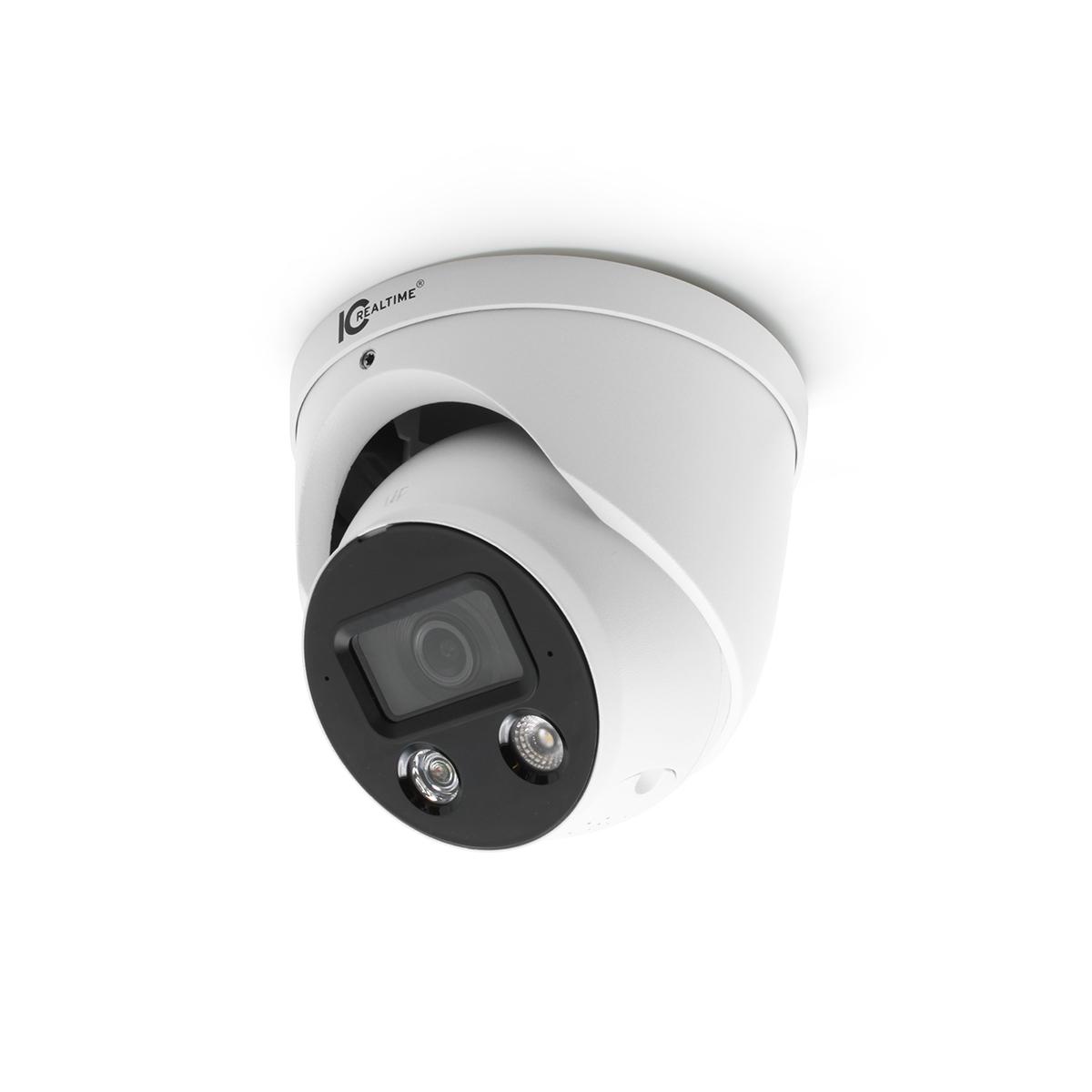
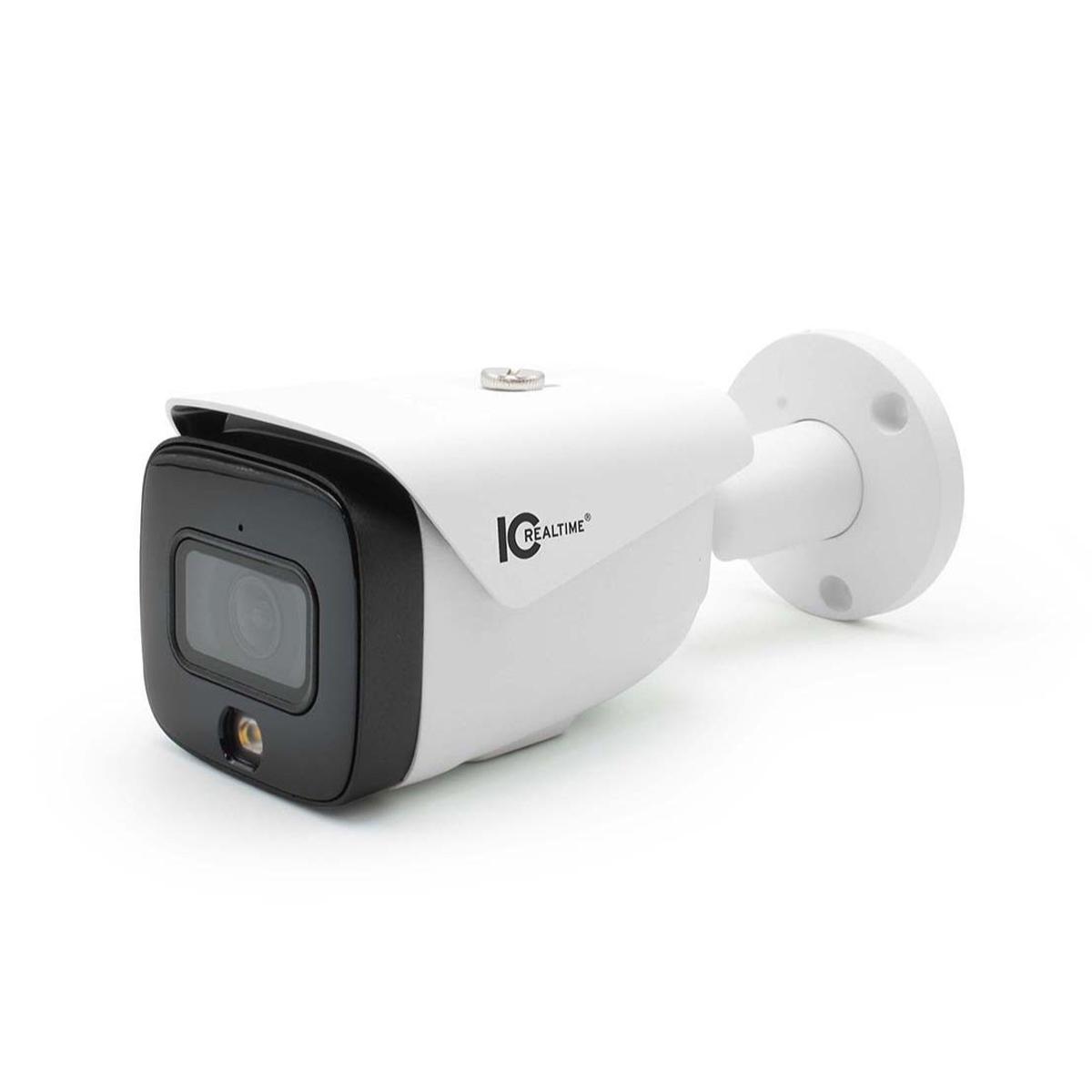
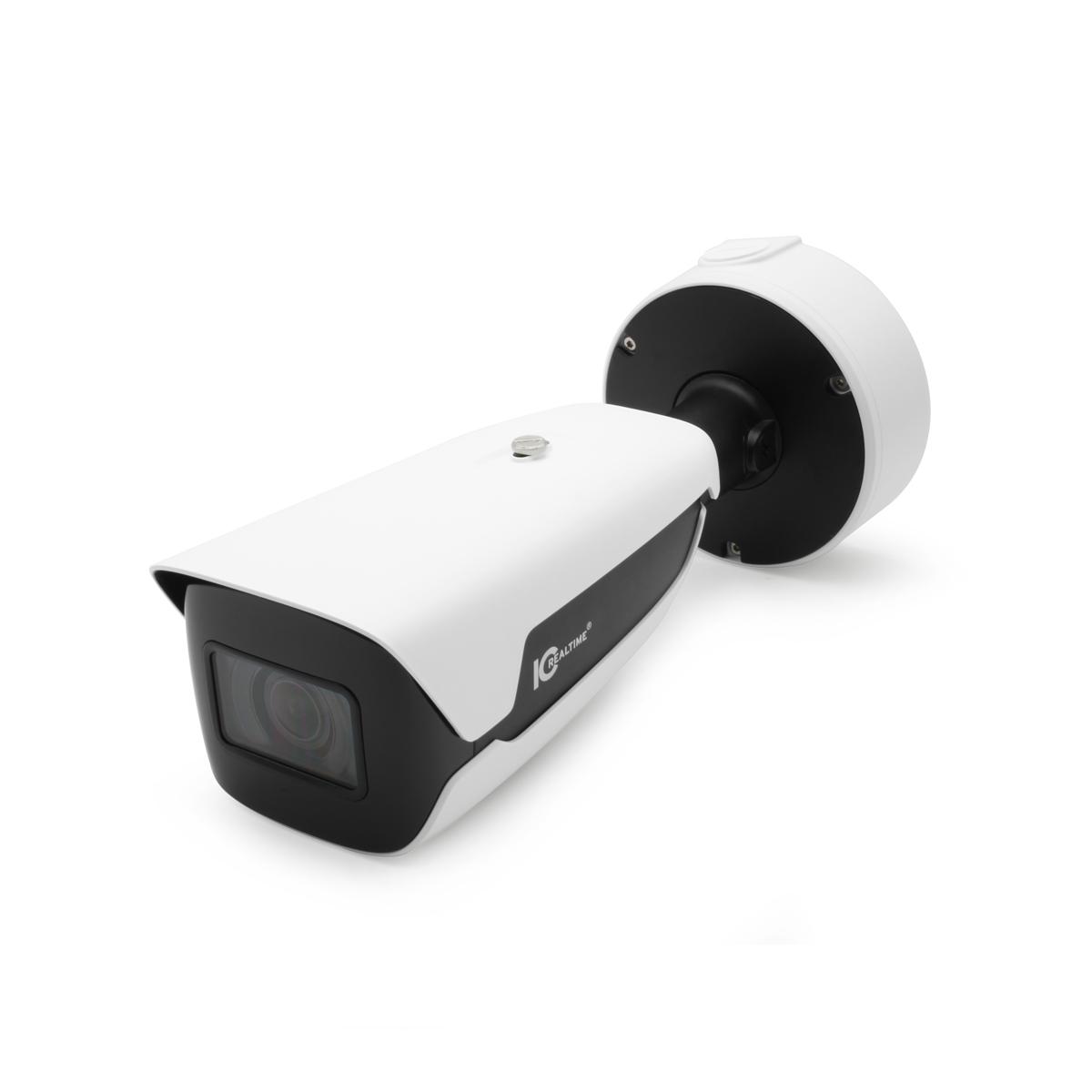
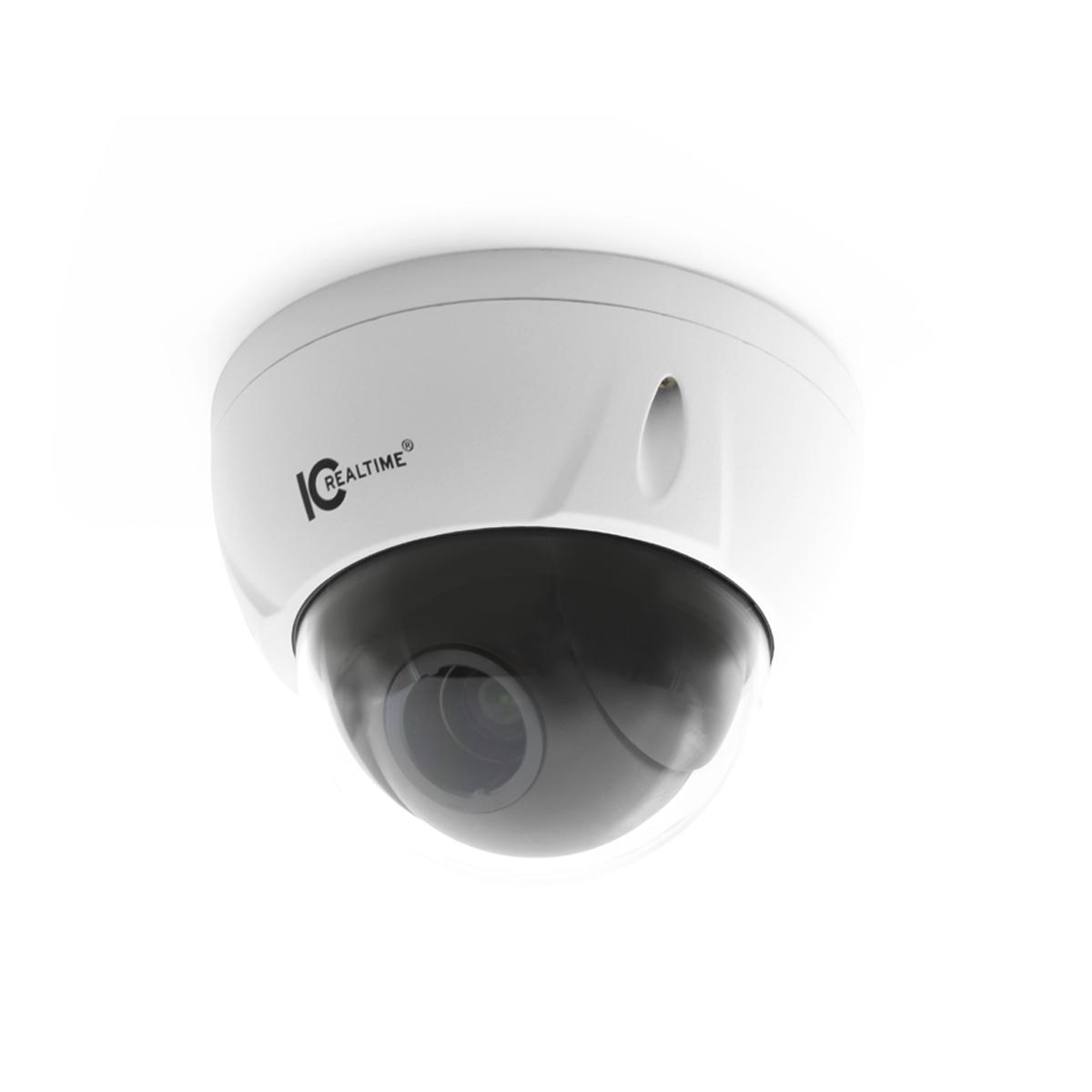
Compatible products in the store
Questions
Do I need SDDP?
No. SDDP lets Composer find the camera for you. Without it, add the driver by hand and type the camera’s IP address.
Can Control4 change camera settings?
No. Set motion detection, encoding and night mode on the camera or NVR while you install it.
Does the NVR stream video to Control4?
No. Control4 plays each camera’s own stream. The NVR drivers bring the NVR’s screen and its events into Control4.
Advanced Setup & Configuration
Still need help?
Chat with our support assistant at any time, and it can pass you to the support team. Or email us a request. It helps to have these ready:
Our support team answers by email. It helps to have these ready:
Model numberSerial numberFirmware or app versionWhat you have tried