
Eyeball Dome Cameras (IPMX-E20F-IRW2/ IPMX-E20F-IRB2/ IPMX-E40F-IRW2/ IPMX-E40F-IRB2)
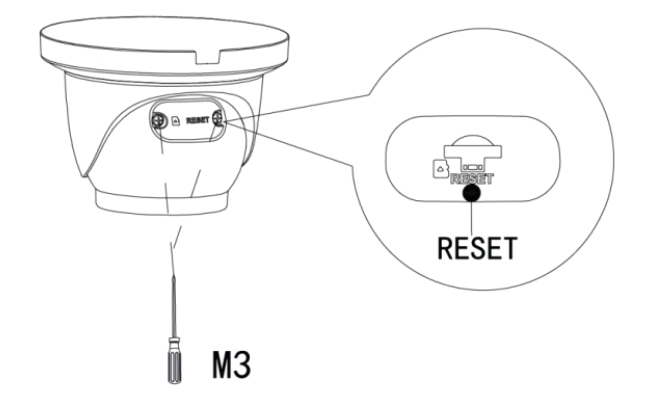
To perform the factory reset function, make sure the device is powered then press and hold the reset button for at least 10-15 seconds. The camera will reboot when the factory reset is successful.
Still stuck?
Our support team answers by email. It helps to have these ready:
Model numberSerial numberFirmware or app versionWhat you have tried