

Setting up Time Template
Setting up Time Template:
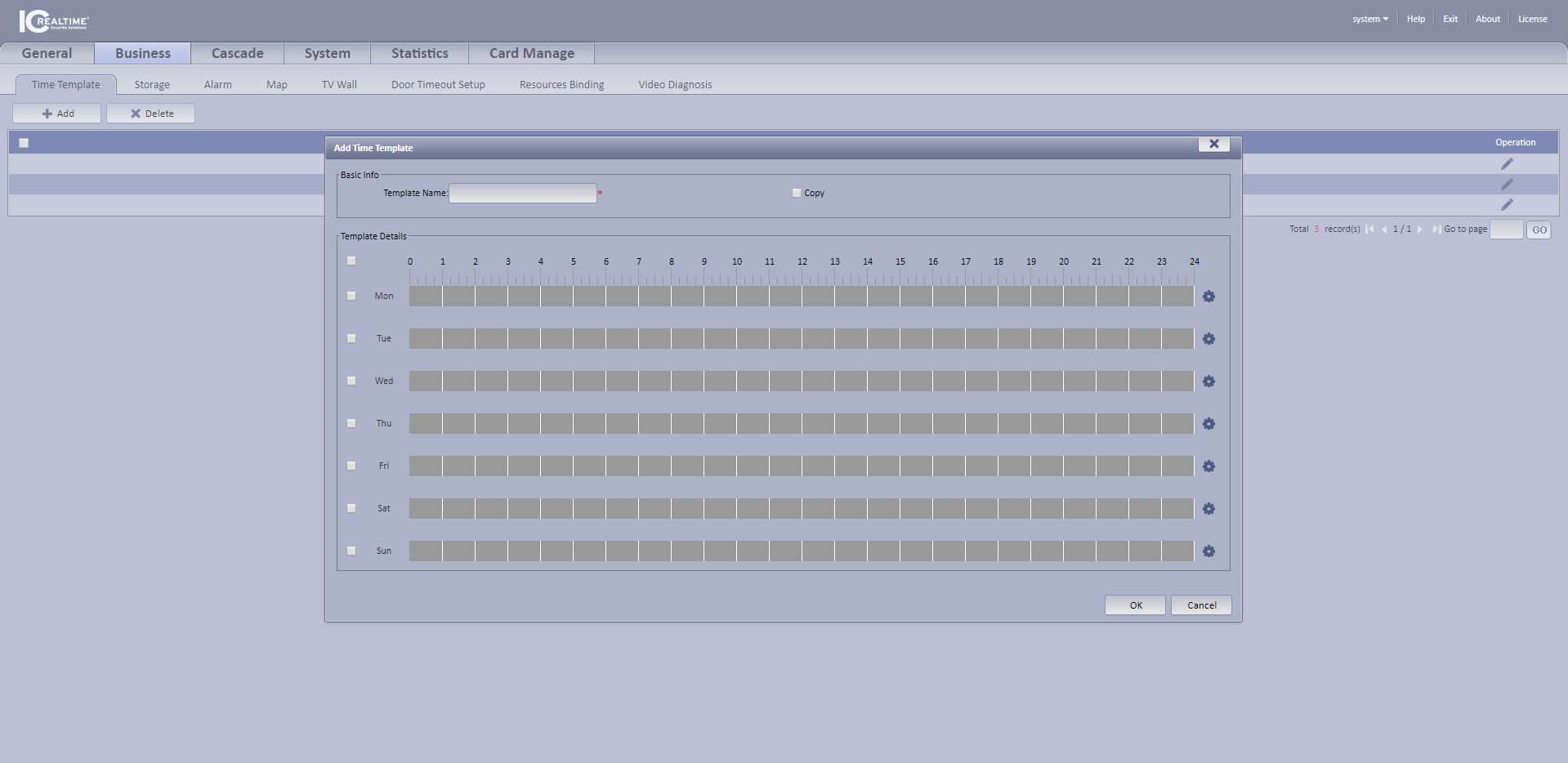
- Login into the ICM via the 'system' user name.
- Go under the 'Business' tab and into Time Template.
- Press '+' add or you can edit the current ones by pressing the pencil icon.
- Then name your Template.
- This allows you to create a template for storage and alarms without having to do it over and over again.
Still stuck?
Chat with our support assistant at any time, and it can pass you to the support team. Or email us a request. It helps to have these ready:
Our support team answers by email. It helps to have these ready:
Model numberSerial numberFirmware or app versionWhat you have tried